

What it does
The Loan Application Element provides a comprehensive mortgage application experience that guides borrowers through:- Personal information collection - Name, contact details, date of birth, citizenship status
- Property information - Subject property details, purchase price, property type, occupancy intent
- Borrower details - Multiple borrowers can be added with their individual information
- Financial information - Income sources, assets, liabilities, and owned properties
- Loan details - Loan amount, purpose, term, and other loan-specific parameters
- Credit authorization - Secure credit pull with borrower consent
- Pre-approval - Real-time pre-approval calculation and letter generation
- Application submission - Complete application submission to begin processing
How it works
The Loan Application Element is programmatically generated and rendered seamlessly inline. It communicates securely with the Pylon API using the authorization lease you configure in your backend. Here’s what the Element builds into your application: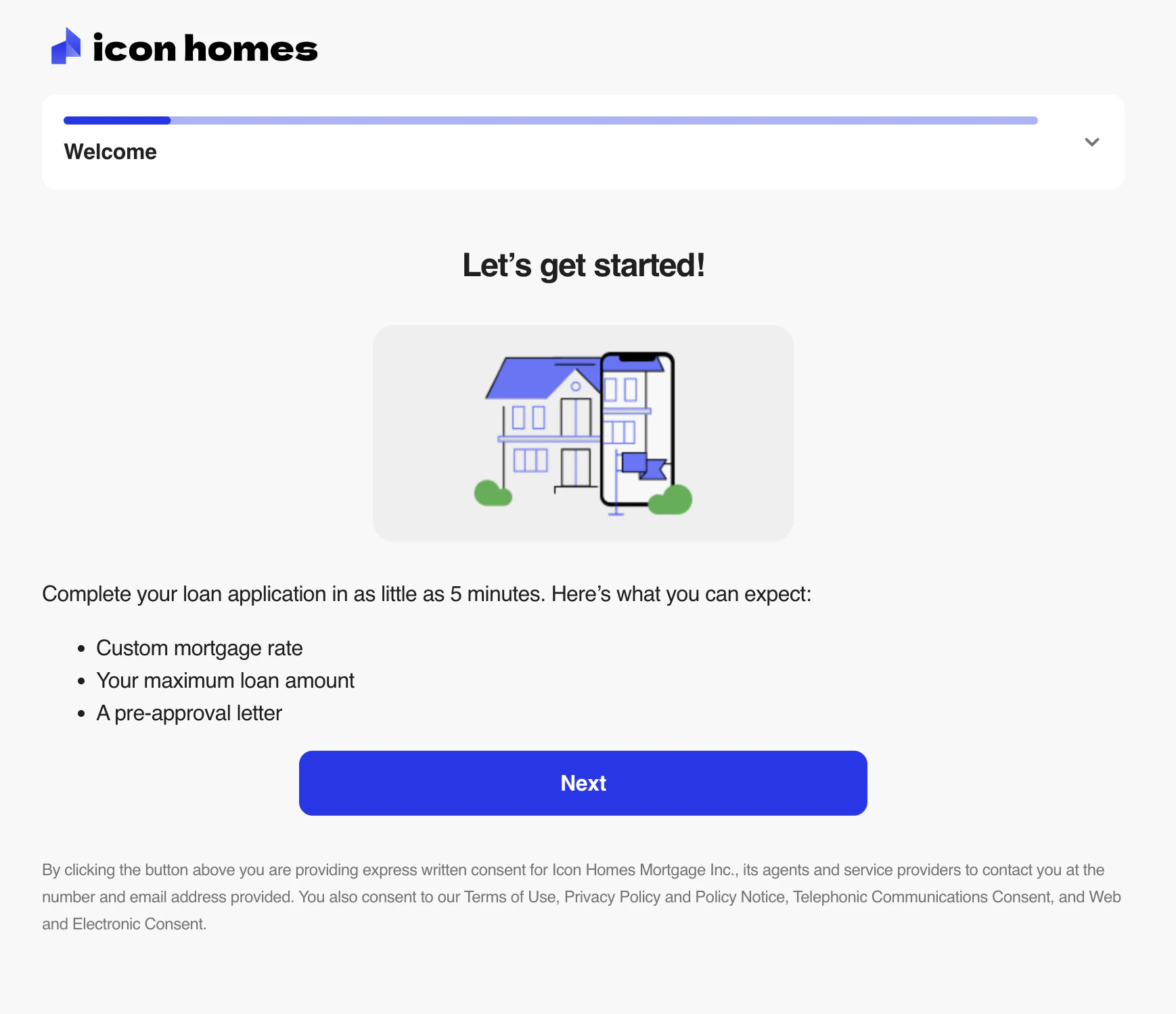
To ensure optimal display, the Loan Application Element should take up most of the page, with only your global layout surrounding it. Avoid displaying other UI elements on the same page to prevent visual conflicts.
Getting started
1
Set up authentication
Configure your backend to handle Pylon authorization requests. This is required before using any Elements.
2
Install the library
Add the Pylon Elements library to your project:
3
Build the Element
Import and configure the Loan Application Element in your app. See the setup guide for details.
Next steps
- Set up the Element - Integration guide
- Polling for updates - Monitor loan status changes
- Theming - Customize appearance